
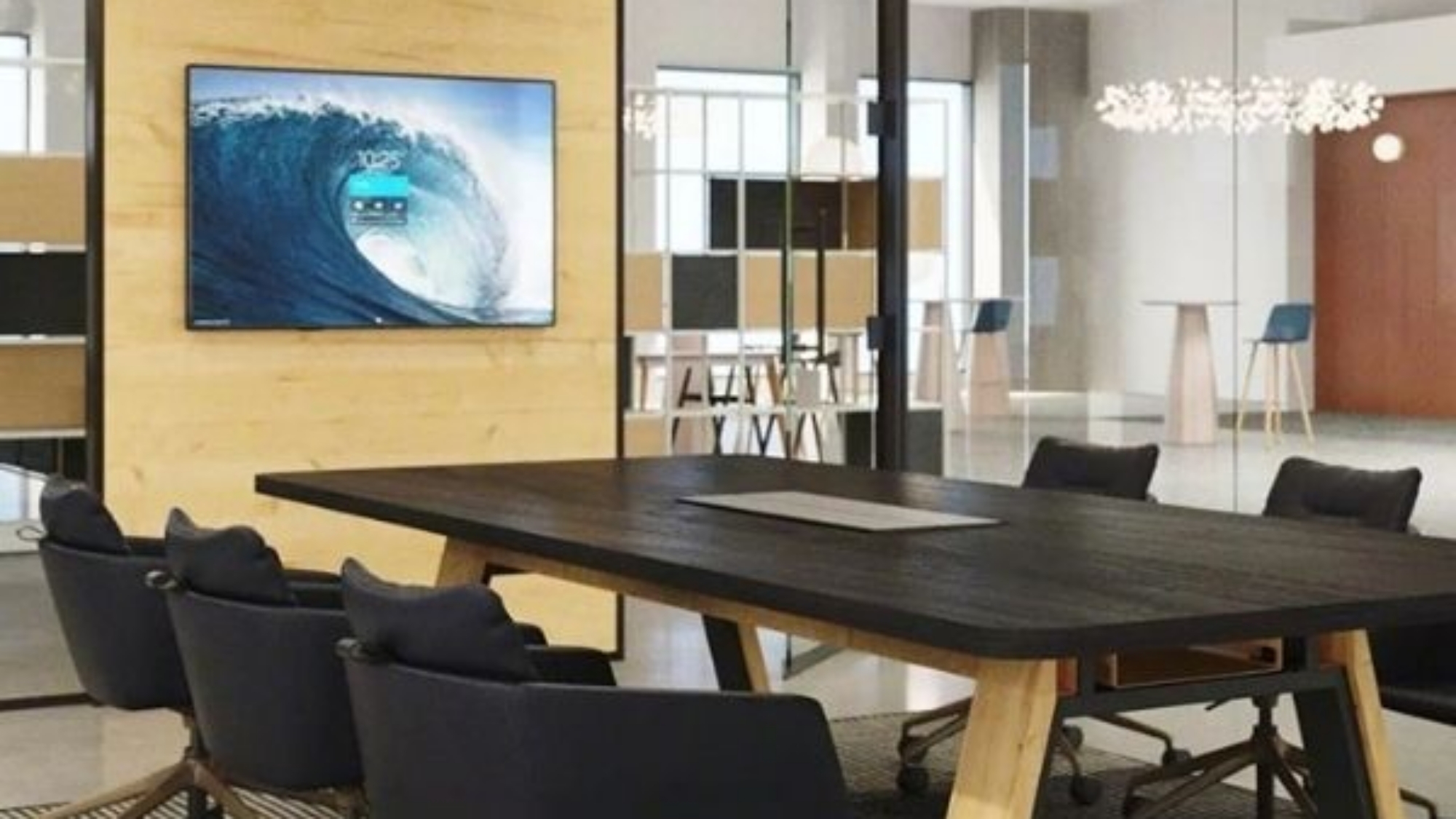
Video conferencing rooms come in four main types: large conference rooms, huddle rooms, focus rooms, and training rooms. Each type supports a different kind of meeting, so each needs different technology and furniture. Below, we break down all four and how to plan the right video conferencing facility for your team.
The 4 Types of Video Conferencing Rooms at a Glance
| Room type | People | Best for | Key technology |
|---|---|---|---|
| Conference room or boardroom | 8 to 20+ | Client meetings and leadership discussions | Large displays, room-wide audio, a camera that frames every speaker |
| Huddle room | 3 to 6 | Quick team meetings and status updates | One display and an all-in-one video bar |
| Focus room | 1 to 3 | Private calls and individual video meetings | A desktop video device or laptop setup |
| Training room | 10 to 40+ | Classes, onboarding, and webinars | Multiple displays, cameras, and wireless presenting |
Boardrooms and Large Conference Rooms
Large conference rooms host client meetings, leadership discussions, and company presentations. The classic long table still works, but many companies now add lounge seating and smaller tables. As a result, the room feels more collaborative, and there’s no “head” of the table.
Because people sit in different spots, the technology has to cover the whole room. That means multiple displays, microphones that reach every seat, and a camera that frames each speaker for remote participants.
In practice: Create Spaces equipped Diversified Fluid Solutions’ conference rooms with 75-inch 4K displays, Neat Bars, and Neat Pad controllers. At Eastern Idaho Regional Medical Center, Create Spaces furnished an executive boardroom with a custom table and integrated AV for wireless presentations.
Huddle Rooms
Huddle rooms are small meeting spaces for three to six people and meetings of 30 to 60 minutes. They’re now more common than large conference rooms because teams meet more often in smaller groups. In addition, huddle rooms cost far less to build and equip.
A typical huddle room places a small table against a wall with a single display. An all-in-one video bar mounted at eye level captures everyone at the table. As a result, remote participants feel like they’re sitting in the room.
In practice: Create Spaces equipped Diversified Fluid Solutions’ huddle rooms with 43-inch Samsung 4K OLED displays and Jabra PanaCast systems.
Focus Rooms
Focus rooms support one to three people for private calls and individual video meetings. Demand for them has grown as open offices make quiet space harder to find.
Focus rooms can be phone booths, enclosed pods, or small rooms with glass fronts. Furthermore, they need only simple technology, like a desktop video device such as a Neat Frame or a monitor for a laptop.
In practice: Diversified Fluid Solutions’ office includes a focus space with sound-absorbing acoustic dividers. Learn more about phone booths, pods, and other privacy solutions.
Training Rooms
Training rooms are the most flexible video conferencing rooms. They host onboarding, classes, webinars, and large presentations. Therefore, the best training rooms use tables and chairs that move easily into new layouts:
- U-shape
- Banquet rows or rounds
- Hollow square
- Clusters for group work
- Classroom rows facing the front
Multiple cameras, speakers, and displays keep remote participants included in any layout.
In practice: Diversified Fluid Solutions’ training room runs dual 85-inch Samsung 4K displays with wireless collaboration, plus foldable tables and chairs for quick setup. Alliance Title & Escrow’s training room pairs reconfigurable desks with integrated AV for hybrid training.
How to Plan a Video Conferencing Room
Good video conferencing rooms start with planning, not equipment. These steps help you get it right the first time.
- Count people and meeting types. Match each room to how your team actually meets.
- Choose your platform first. Zoom, Microsoft Teams, and other platforms each work with specific room hardware.
- Size the display to the room. People at the far end of the table should see faces and content clearly.
- Plan cabling and power early. Structured cabling costs far less before walls and furniture go in.
- Coordinate furniture and technology. Tables, seating, and displays should work together, so cameras see everyone.
- Add room scheduling. Scheduling panels help people find open rooms fast.
Frequently Asked Questions
What is a video conferencing room?
A video conferencing room is a meeting space equipped with a camera, microphones, speakers, and a display for virtual meetings. The right setup depends on the room’s size and how people use it.
What equipment does a video conferencing room need?
Most rooms need a display, a camera, microphones, speakers, and a meeting controller. Smaller rooms often use an all-in-one video bar that combines the camera and audio.
How big should a huddle room be?
Most huddle rooms seat three to six people around a small table. They need enough space for one display and clear camera views of every seat.
What is the best layout for a training room?
The best training rooms use movable tables and chairs, so the layout changes with each session. Common layouts include U-shapes, clusters, and classroom rows.
Planning Video Conferencing Rooms in Boise, Reno, or Las Vegas?
Create Spaces plans, furnishes, and equips video conferencing rooms of every size. Talk to a workplace expert here.