
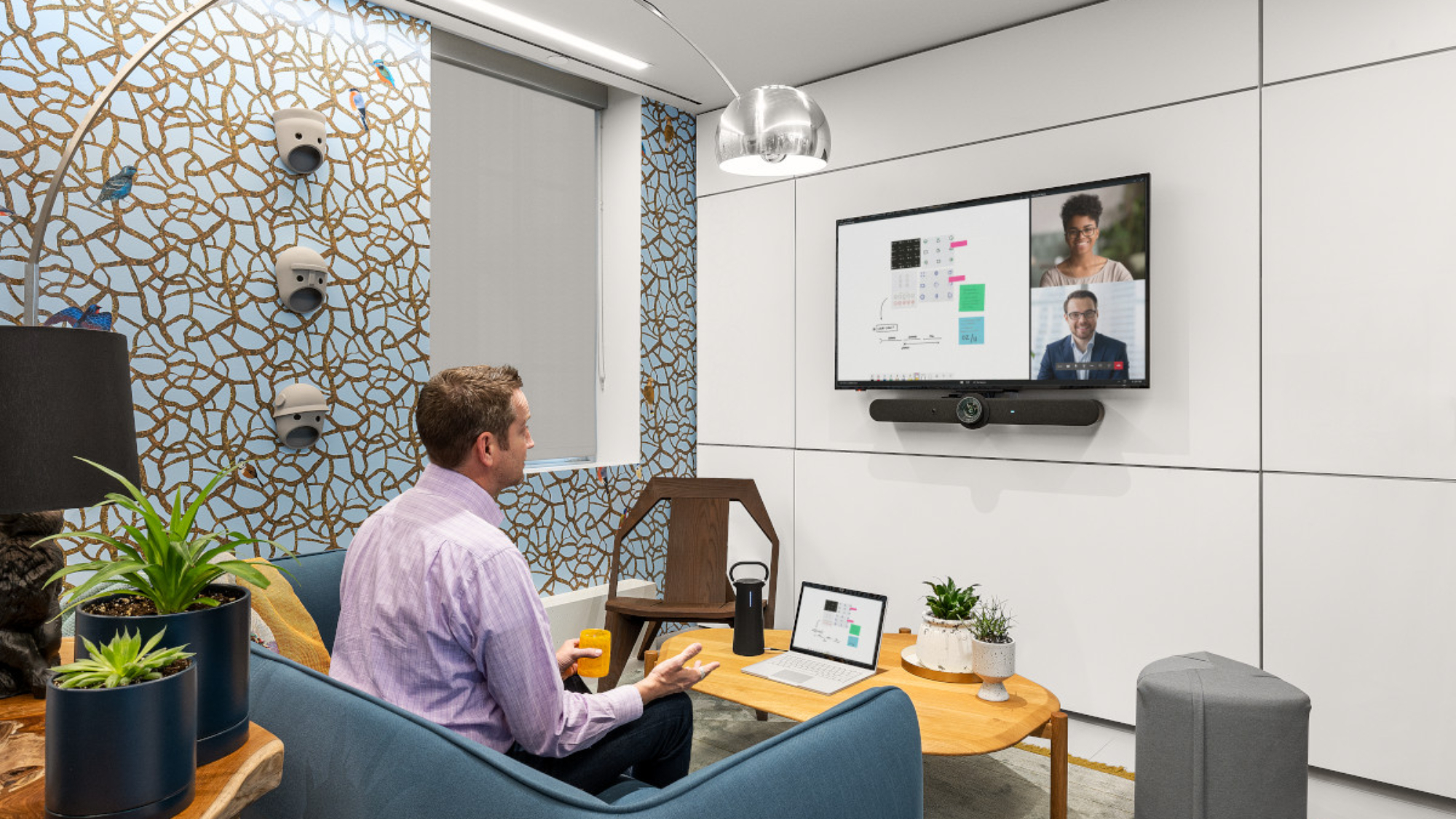
What is video conferencing? It’s live video and audio communication between people in different locations. Participants see and hear each other in real time over the internet, using cameras, microphones, and screens.
Video Conferencing Definition
In simple terms, it lets two or more people meet face to face without being in the same room. It works on laptops, phones, and dedicated conference room systems.
Key features include:
- Live, two-way video and audio
- Screen sharing for documents and presentations
- Chat, recording, and virtual whiteboards on most platforms
- Access from almost any device with an internet connection
How Does Video Conferencing Work?
Every platform follows the same basic steps:
- Capture: a camera and microphone record each participant.
- Compress: software called a codec shrinks the video and audio so it travels quickly.
- Send: the data travels over the internet to a platform like Zoom or Microsoft Teams.
- Connect: the platform delivers each person’s video and audio to everyone else.
- Display: screens and speakers play the meeting for each participant.
Because every step depends on the network, a stable, wired connection makes the biggest difference in call quality.
Types of Video Conferencing
Point-to-Point
A point-to-point call connects two people or two locations. For example, an in-office employee and a remote coworker review a project together.
Multipoint
A multipoint meeting connects three or more locations at once. For example, a team in a conference room meets with clients and remote employees at the same time.
Room-Based
Room-based systems use dedicated equipment built into a meeting space. As a result, anyone can start a meeting with one tap, without connecting a laptop.
Webinars and Broadcasts
Webinars stream one presenter or panel to a large audience. Attendees usually watch and ask questions through chat rather than appearing on camera.
What Equipment Do You Need for Video Conferencing?
Video Conferencing on a Computer
For one person, a computer with a built-in camera and microphone is enough to join most meetings. In addition, a headset improves audio and reduces background noise.
Equipment for a Meeting Room
Meeting rooms need equipment that covers the whole space, so everyone is seen and heard:
- Display: sized so everyone sees remote participants and shared content
- Camera and microphones: often combined in an all-in-one video bar
- Speakers: clear audio without echo
- Controller: a touch panel that starts meetings with one tap
- Network: a wired connection and structured cabling for stable video
For example, Create Spaces equipped conference rooms at Diversified Fluid Solutions with Neat Bars, Neat Pad controllers, and 75-inch 4K displays. Learn more about the 4 types of video conferencing rooms and what each needs.
Where Is Video Conferencing Used?
Businesses, schools, hospitals, and government agencies all rely on video meetings. Common uses include team meetings, client presentations, training, telehealth, and remote learning. See 10 real video conferencing examples.
Advantages and Disadvantages
Video calls save travel time and cost, support remote work, and connect teams worldwide. However, they also bring challenges like technical issues, security concerns, and meeting fatigue. Read the full breakdown of the advantages and disadvantages of video conferencing, including how to fix each problem.
Frequently Asked Questions
What is video conferencing in simple words?
It’s a live video call between people in different places. Participants see, hear, and share content with each other in real time.
What are the main types of video meetings?
The main types are point-to-point, multipoint, room-based, and webinars. Each fits a different meeting size and purpose.
What do you need for video conferencing?
You need a camera, a microphone, speakers, a screen, and an internet connection. Meeting rooms add larger displays, video bars, and touch controllers.
Is Zoom a video conferencing platform?
Yes. Zoom and Microsoft Teams are the two most common platforms for business